
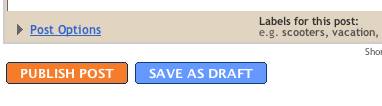
To mark a post as draft, simply click the "Save as Draft" button below the post-entry field:
 To edit a draft post, locate it in the Posting | Edit Posts tab and click on its "Edit" link.
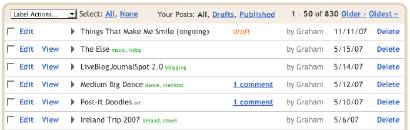 There are visual indicators that posts are drafts: They have no "View" links like published posts do, and they include the word "draft" to the right of their titles.
Drafts can be published, and published posts can be converted into drafts, simply by clicking the appropriate "Publish" or "Draft" button when editing the post.
No comments:
Post a Comment